An IVR system is the technology behind the automated phone menus you hear when you call a business. You might be asked to press 1 for scheduling, press 2 for billing, or say what you're calling about.
For businesses, these systems help organize incoming calls and direct customers to the right place without requiring an employee to answer every call.
But an IVR system isn't always the best way to handle customer requests. Traditional phone menus can create delays when callers need assistance that doesn't fit a predefined option.
What is an IVR system?
An interactive voice response (IVR) system is an automated phone system that uses recorded prompts, keypad selections, or speech recognition to interact with callers. Businesses use IVR to route calls, answer routine questions, and support self-service tasks.
Example: "Thank you for calling Smith Plumbing. Press 1 to schedule service, press 2 for an existing appointment, or press 3 for billing."
Updated November 2026.
How does an IVR system work?
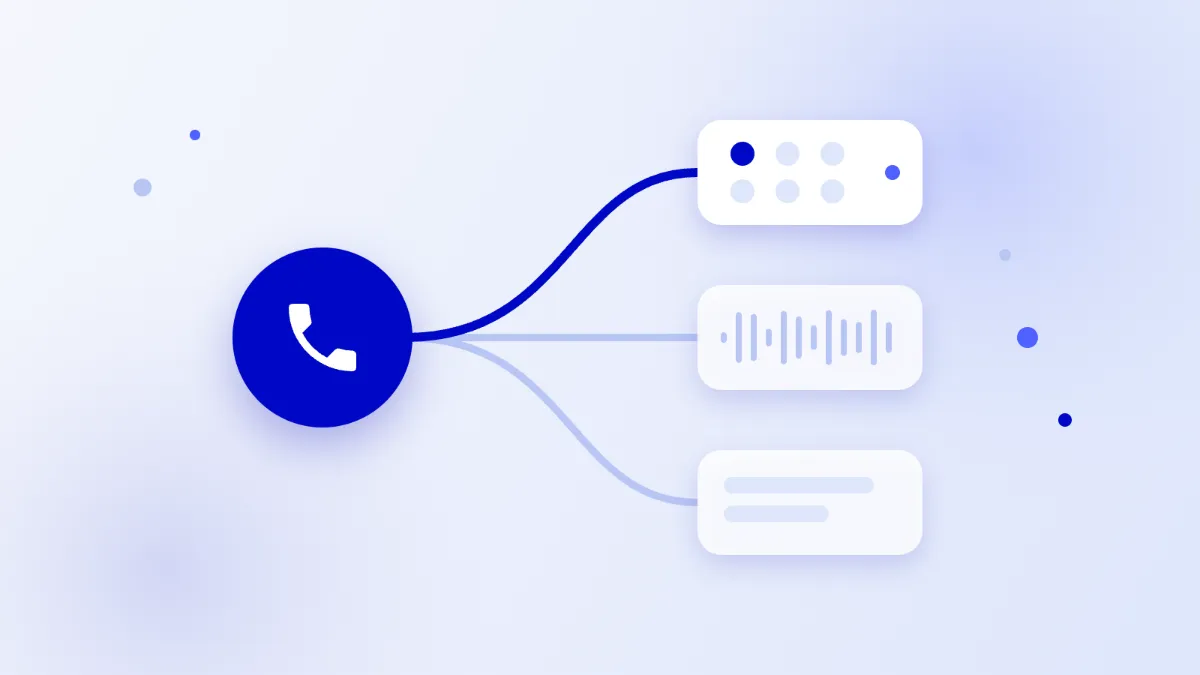
An IVR system answers a call, presents options, processes the caller's response, and follows a predefined workflow.
Traditional IVR systems use keypad selections. More advanced systems can recognize spoken responses and interpret the caller's request.
A typical IVR call follows five steps:
- The customer calls your business. The system automatically answers.
- The system plays a greeting. The caller hears a welcome message and available options.
- The caller responds. They press a number or say what they need.
- The system processes the response. It follows the configured routing or self-service instructions.
- The caller reaches the next step. This might be an employee, department, automated task, or voicemail.
For example, an HVAC company might direct service requests to scheduling, existing appointment questions to customer support, and invoices to billing.
IVR can also form part of a larger telephone call handling process that defines how calls are answered, transferred, and resolved.
How does IVR recognize keypad and voice responses?
Traditional IVR systems use dual-tone multi-frequency (DTMF) signals. Each time a caller presses a number, the phone produces a signal the system can recognize.
Speech-enabled IVR uses speech recognition to interpret spoken words or phrases.
Some systems use natural-language understanding to process more flexible requests, such as "I'd like to reschedule my appointment."
The level of sophistication depends on the software and its configuration.
IVR system example: A plumbing company phone menu
A plumbing company might use IVR to separate new service requests, existing customer questions, and urgent calls.
| Caller selection | System action | Next step |
|---|---|---|
| Press 1: Schedule service | Route to scheduling | Employee helps book an appointment |
| Press 2: Existing appointment | Route to customer service | Customer receives an update |
| Press 3: Billing | Route to accounting | Employee handles the invoice |
| Press 4: Emergency service | Route to on-call contact | Urgent request enters the emergency process |
| No selection | Repeat prompt or offer help | Caller receives another option |
A useful IVR menu should make it easy to reach the correct destination. If every option eventually transfers to the same employee, the menu may be adding an unnecessary step.
Similarly, if a caller reports an emergency but no one is available to accept the transfer, the business needs a backup process.
What are the different types of IVR systems?
IVR systems vary in how callers interact with them and what tasks they can complete.
| IVR type | How it works | Example |
|---|---|---|
| Touch-tone IVR | Callers press keypad numbers | "Press 1 for service." |
| Speech-enabled IVR | Callers speak words or short phrases | "Say scheduling or billing." |
| Natural-language IVR | System interprets flexible spoken requests | "I need to change my appointment." |
| Self-service IVR | System connects to business data | Checking an account balance or appointment status |
| Conversational IVR | System uses more advanced language processing | Asking follow-up questions before routing |
Touch-tone IVR
Touch-tone IVR is the traditional automated phone menu. It's useful for businesses with a limited number of call categories and clearly defined departments. A customer chooses from available options by pressing numbers.
Speech-enabled IVR
Speech-enabled IVR allows customers to speak rather than press buttons. For example, a caller might say "billing" to reach the accounting department. This can be more convenient when customers are unable to use their phone keypad.
Natural-language IVR
Natural-language IVR can interpret more flexible requests. Instead of requiring a caller to select an exact department, the system may recognize a statement such as "I need someone to fix my air conditioner." These systems vary in what they can do after identifying the request.
Self-service IVR
Self-service IVR connects with business software so callers can complete supported tasks without speaking to an employee. For example, a customer might retrieve account information, check an appointment status, or confirm an existing booking.
What features should an IVR phone system have?
An IVR phone system should help customers reach the correct destination without making the process unnecessarily complicated.
Common features include:
- Call routing: Directs customers to departments, employees, or phone numbers.
- Custom greetings: Plays recorded messages that identify your business.
- Business-hours scheduling: Changes call flows based on when the office is open.
- Call queues: Holds callers until an employee becomes available.
- Self-service options: Provides information or completes configured tasks.
- Reporting: Tracks call volume, menu selections, and transfers.
- Integrations: Connects with compatible phone, CRM, or scheduling software.
- Fallback routing: Provides another option when the intended destination is unavailable.
Not every business needs every feature.
A contractor with one office manager may only need straightforward routing and after-hours coverage. A larger company with several departments may require more advanced menus and reporting.
What are the benefits of an IVR system?
IVR systems can reduce the amount of manual call routing employees need to perform. They can also provide routine information and make it easier for callers to reach specific departments.
Organize incoming calls
IVR can direct calls to the appropriate department without requiring a receptionist to handle every initial interaction.
Answer routine questions
A system can provide business hours, locations, or basic account information through recorded messages or self-service workflows.
Provide after-hours instructions
Customers calling outside business hours can hear when the office reopens and whether urgent assistance is available.
Support growing call volume
IVR helps organize calls when more customers contact your business.
However, routing more calls doesn't necessarily increase the number of employees available to answer them.
Create consistent call flows
Customers receive the same initial instructions regardless of which employee is working. For businesses with several call categories, that consistency can make the experience easier to manage.
What are the disadvantages of IVR systems?
Traditional IVR systems can frustrate customers when they have too many menu options, unclear instructions, or no way to reach a person.
Long menus can delay assistance
A caller shouldn't need to navigate several menus just to schedule an appointment. A short, clearly organized menu is usually more helpful than one that tries to account for every possible request.
Customers may not know which option to choose
A homeowner with a leaking water heater may not know whether to select emergency service, scheduling, or customer support. If none of the options clearly matches the problem, the caller may choose incorrectly or hang up.
Basic IVR cannot always resolve requests
Traditional IVR can transfer a call to scheduling, but that doesn't mean an appointment has been booked. If the scheduling employee is unavailable, the customer may still need to leave a voicemail. For businesses that depend on appointments, that's an important limitation.
IVR may create unnecessary transfers
Customers can become frustrated when they're transferred between departments and asked to repeat information. A good call screening process can help identify the caller's needs before deciding where the call should go.
How much does an IVR system cost?
IVR system pricing depends on the provider, call volume, number of users, included features, and integrations. Some business phone providers include basic IVR menus in their standard subscription. Advanced systems may charge separately for usage, speech recognition, setup, or custom workflows.
| Cost factor | What to check |
|---|---|
| Monthly subscription | Is IVR included in your existing phone plan? |
| Call volume | Are minutes or incoming calls billed separately? |
| Users and phone lines | Are additional seats or numbers required? |
| Speech recognition | Does natural-language processing cost extra? |
| Integrations | Is CRM or scheduling software connectivity included? |
| Setup | Are custom menus and workflows an additional fee? |
| Ongoing management | Can your team update routing without paying for support? |
When comparing providers, calculate the full cost based on your expected call volume and the tasks you need the system to perform. A lower subscription price may not be the better choice if your employees still need to manually complete every customer request.
How to set up an IVR system
A small business can create an effective IVR system by focusing on the calls customers actually make.
1. Identify common call reasons
Review your incoming calls and group requests into a few useful categories, such as new appointments, existing appointments, billing, and emergencies.
2. Write a short greeting
Use language customers will recognize.
Example:
"Thank you for calling ABC Heating and Cooling. Press 1 to schedule service, press 2 for an existing appointment, or press 3 for other questions."
3. Define where each selection goes
Every menu option should lead to a useful destination or workflow.
4. Create an after-hours process
Decide how your business handles calls when employees are unavailable.
If your team uses voicemail, review these business voicemail greeting examples to create a message that gives callers clear instructions.
5. Test the system
Call your business and try each option. Check what happens when a caller makes an incorrect selection, needs emergency assistance, or wants to speak with an employee.
6. Monitor results
Track abandoned calls, transfers, and customer complaints.m Update the menu when you identify repeated problems.
IVR vs. AI answering service: What's the difference?
A traditional IVR system routes calls through predefined options. An AI answering service can hold a conversation, ask follow-up questions, and complete supported tasks such as appointment scheduling.
Modern IVR systems may also use AI, so the distinction depends on what each product can actually do.
| Capability | Traditional IVR | AI answering service |
|---|---|---|
| Automatically answers calls | Yes | Yes |
| Uses keypad menus | Common | Usually not required |
| Understands natural speech | Limited or provider-dependent | Designed for conversation |
| Routes calls | Yes | Typically |
| Asks follow-up questions | Through predefined prompts | Can respond more flexibly |
| Qualifies new customers | Requires configured workflows | Common feature |
| Books appointments | Possible with integrations | Possible with supported integrations |
| Escalates urgent requests | Through routing rules | Through configured escalation workflows |
Example: A customer calls about a broken air conditioner
With a traditional IVR system, the customer selects the service department and waits to speak with someone who can schedule an appointment.
With conversational AI, the customer can explain the problem directly.
An AI answering service can ask for the service address, collect contact information, and use configured scheduling or escalation rules to determine the next step.
ZyraTalk's AI answering service is designed for home service businesses that need to answer calls, qualify service requests, and book jobs through supported field service integrations.
For a more detailed explanation of the technology, see our guide to AI voice agents for small businesses.
What are the alternatives to IVR systems?
An IVR system isn't the only way to manage incoming business calls.
| Alternative | Best for | Main consideration |
|---|---|---|
| Live receptionist | Personalized assistance | Limited by employee availability |
| Virtual receptionist | Outsourced call coverage | Service capabilities vary |
| AI answering service | Conversational requests and booking | Requires setup and testing |
| Call forwarding | Small teams working across locations | Still requires someone to answer |
| Voicemail | Low-volume, nonurgent requests | Requires callbacks |
When is traditional IVR the better choice?
Traditional IVR is useful when callers need to reach different departments and the primary goal is call routing. For example, a company with dedicated billing, scheduling, and customer service teams may find a simple phone menu appropriate.
When should you consider an AI answering service?
An AI answering service may be a better fit when customers need to explain problems, provide details, or schedule appointments without waiting for an employee.
Before choosing a provider, review our AI answering service evaluation checklist.
It covers important questions about booking integrations, escalation, and what happens when automation cannot complete a call.
Frequently asked questions about IVR systems
What does IVR stand for?
IVR stands for interactive voice response. It describes automated telephone technology that interacts with callers through keypad selections or spoken responses.
What is an example of an IVR system?
A common IVR example is a phone menu that says, "Press 1 for scheduling, press 2 for support, or press 3 for billing."
What is the difference between IVR and a phone tree?
A phone tree is a common IVR configuration that uses several menu options to guide callers to different destinations.
Can IVR systems schedule appointments?
Some IVR systems can schedule appointments through supported software integrations. Basic systems may only route callers to scheduling employees.
Is an IVR system the same as AI?
No. Traditional IVR follows predefined menus and workflows. Some advanced IVR systems use AI, but not every IVR platform includes conversational capabilities.
Do small businesses need IVR?
Not necessarily. IVR can help businesses with multiple departments or predictable call categories. Businesses focused on service appointments may benefit from a receptionist or conversational answering service instead.
Can IVR systems work after hours?
Yes. An IVR system can provide after-hours information, collect messages, and route calls to designated contacts according to configured rules.
Choose a phone system that helps customers complete their requests
An IVR system can make incoming calls easier to organize. But a phone menu is only useful if it helps customers reach the right outcome.
If your business needs more than call routing, consider whether conversational answering could help customers schedule services and get answers sooner.
Hear How ZyraTalk Answers Customer Calls
ZyraTalk helps home service businesses answer calls, qualify requests, and book appointments without relying entirely on available office staff.
Explore ZyraTalk’s AI Answering Service